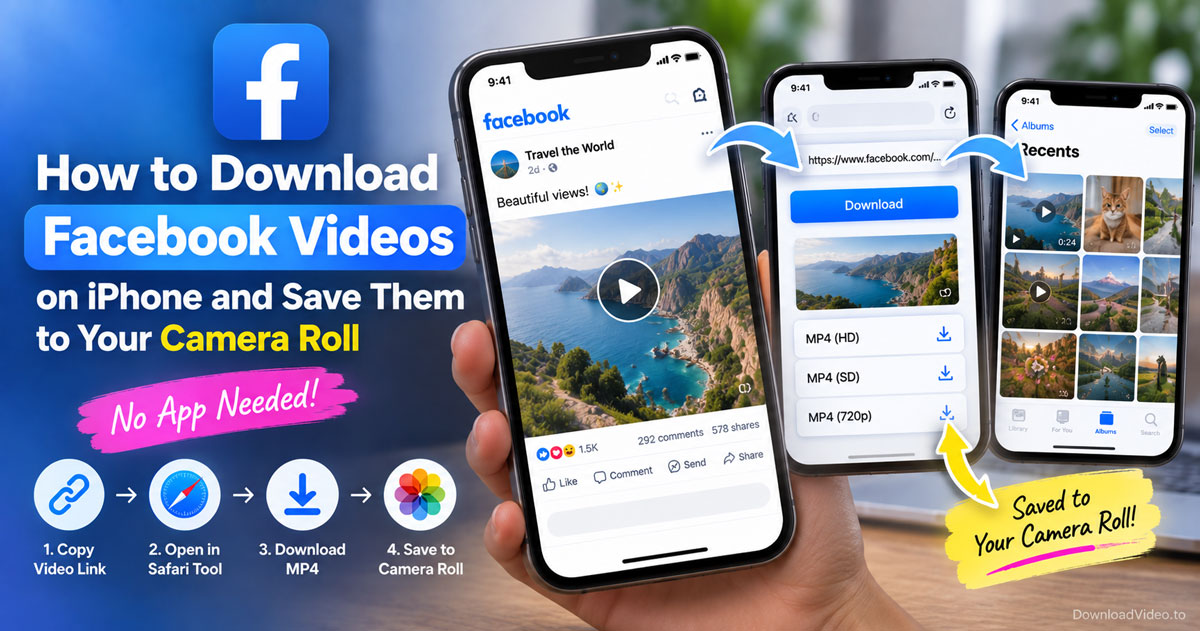
How to download Facebook videos on iPhone and save them to your camera roll
Step-by-step guide to downloading Facebook videos on iPhone through Safari, no app needed, and moving the MP4 from Files into your camera roll.
Download Facebook videos online as MP4 in HD, 1080p, 2K or 4K, or save the audio as MP3. It is free with no app or login and works on iPhone, Android and PC.
Free with no sign-up, and DownloadVideo.to never stores the videos or links you paste.
DownloadVideo.to has one tool per platform and format, so each page handles the quirks of its own content type.
Copy the link from Facebook, paste it above, pick a quality and click Download Video. Three steps and the MP4 lands in your Downloads folder.
In the Facebook app, tap Share on the video and choose Copy link. On desktop, click Share and then Copy link. Links from facebook.com, fb.watch and fb.com all work.
Back on this page, tap Paste in the box at the top and click Download Video. The available qualities appear in a few seconds.
SD and HD download instantly. 1080p, 2K and 4K appear when the original has them and take a few extra seconds to merge video and audio. Tap Download to save the MP4.
DownloadVideo.to saves public Facebook videos, Reels, Stories and Live replays as MP4 or MP3 in original quality without an app or an account and without keeping anything on our servers.
The questions people ask most before saving a Facebook video, answered in short.
Downloading a public Facebook video for personal, offline viewing is generally allowed, and saving your own videos always is. Copyright stays with the creator, so do not re-upload, edit or monetize someone else's video without permission. Facebook's terms do not ban downloading as such; they prohibit collecting content by automated means and infringing other people's rights. DownloadVideo.to is not affiliated with Meta.
Yes. Every download on DownloadVideo.to is free, with no limit and no account. The site runs over HTTPS, never asks for your Facebook login or any permission, and does not store the videos or links you paste. It runs in the browser, so there is nothing to install.
Up to 4K, when the original video was uploaded in 4K. The result list shows every available resolution: SD, HD, 1080p, 2K and 4K. SD and HD download instantly. 1080p and above take a few extra seconds because Facebook serves them as separate video and audio streams, which the tool merges into one MP4.
Not on this page. Friends-only and private group videos are invisible to any tool that lacks your Facebook session. Use the private Facebook video downloader instead. It works from the page source you copy yourself, so your password never leaves your browser.
Yes. Once a Live broadcast ends and the replay is posted, paste its link like any other video. Stories and Reels work the same way from their share link. Reels also have a dedicated Facebook Reels downloader with tips specific to that format.
Yes. On iPhone, open this page in Safari, paste the link and tap Download; the MP4 goes to the Files app, and you can move it to Photos. On Android, Chrome saves it to your Downloads folder. No app is required on either.
Three causes cover most failures. The link points to a post without a video, such as a profile or photo. The video is private or friends-only, which needs the private downloader. Or Facebook changed something on its side; retry in a little while, and email us if it keeps failing.
Step-by-step guide to downloading Facebook videos on iPhone through Safari, no app needed, and moving the MP4 from Files into your camera roll.
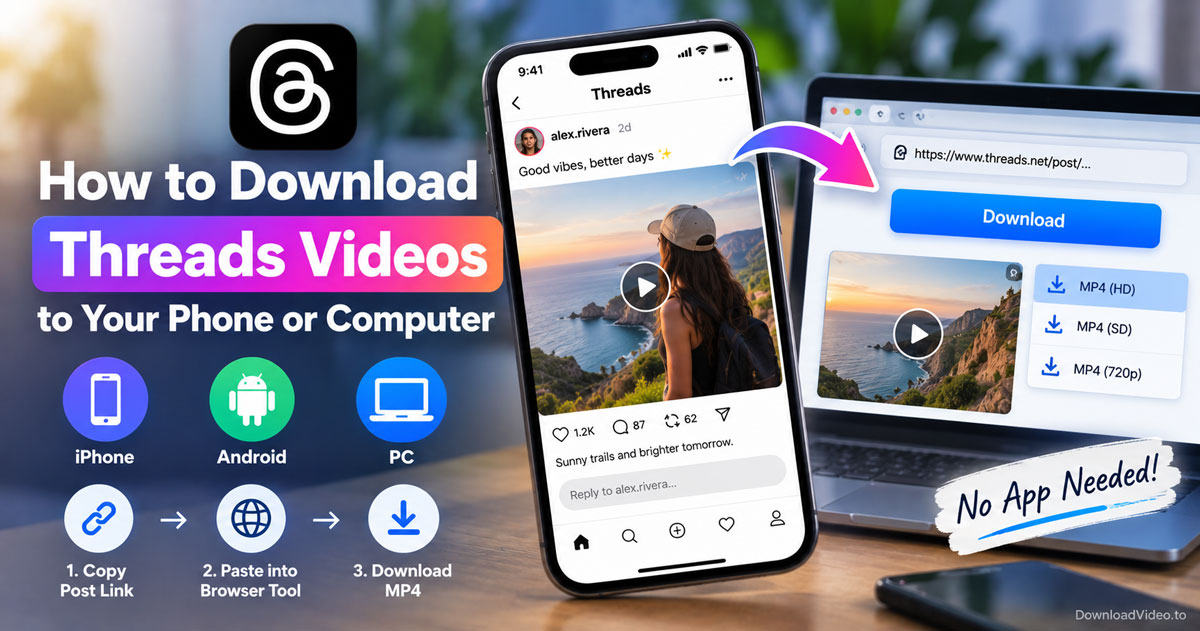
Save any public Threads video as an MP4 on iPhone, Android or PC by copying the post link and pasting it into a free browser tool, no app needed.
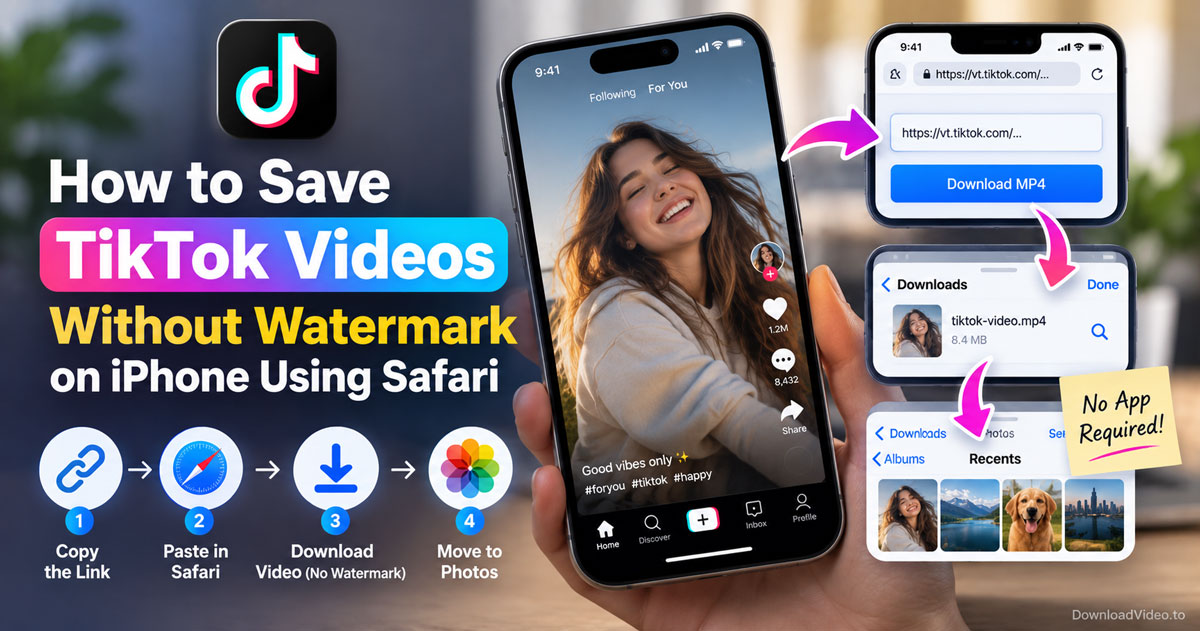
Save any public TikTok as a clean MP4 on iPhone by copying the link, pasting it in Safari and moving the file from Downloads to Photos, no app required.
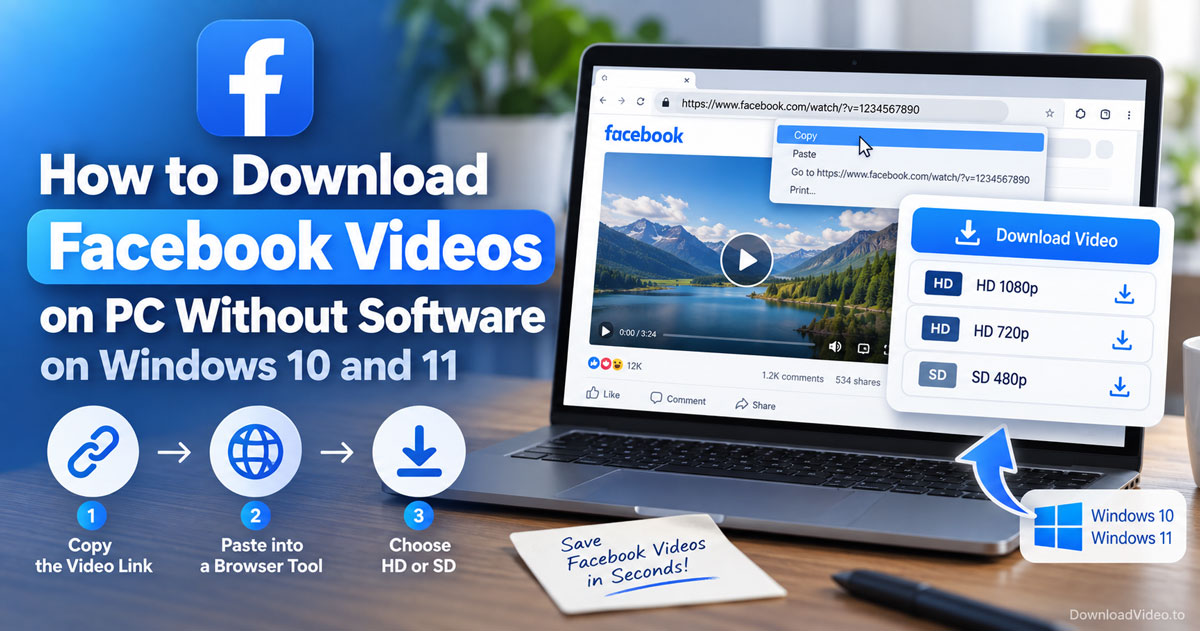
Save Facebook videos on a Windows 10 or 11 PC without installing software: copy the link, paste it into a browser downloader, and pick HD or SD.
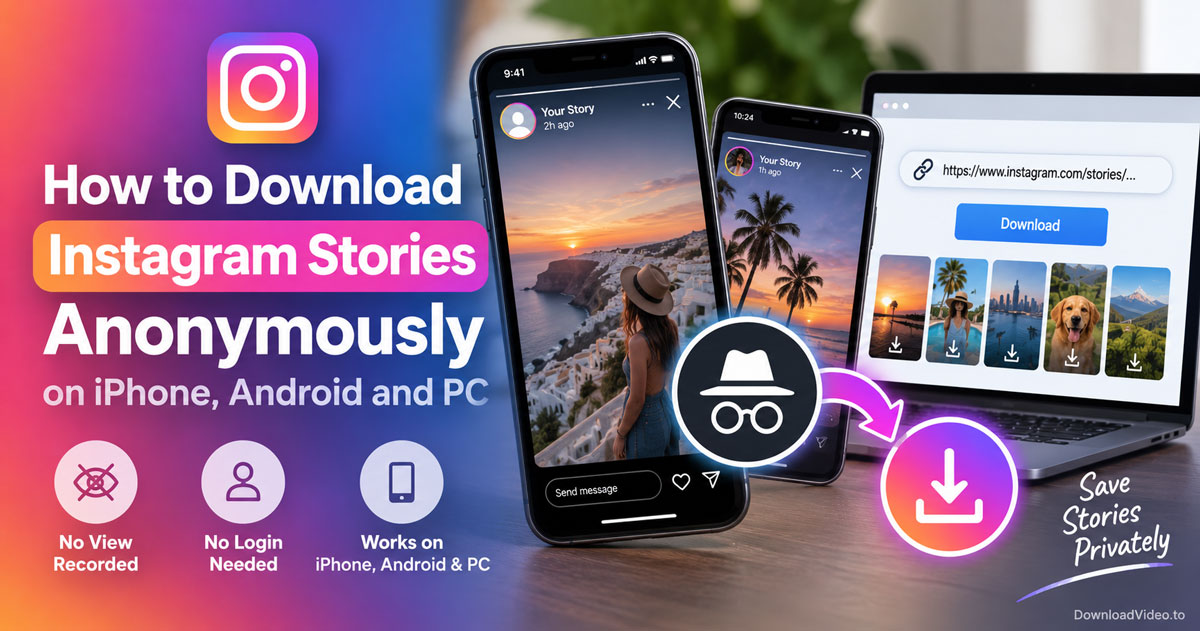
Download public Instagram Stories anonymously by pasting the Story link into a browser tool that never logs in, so no view is recorded and no app is needed.
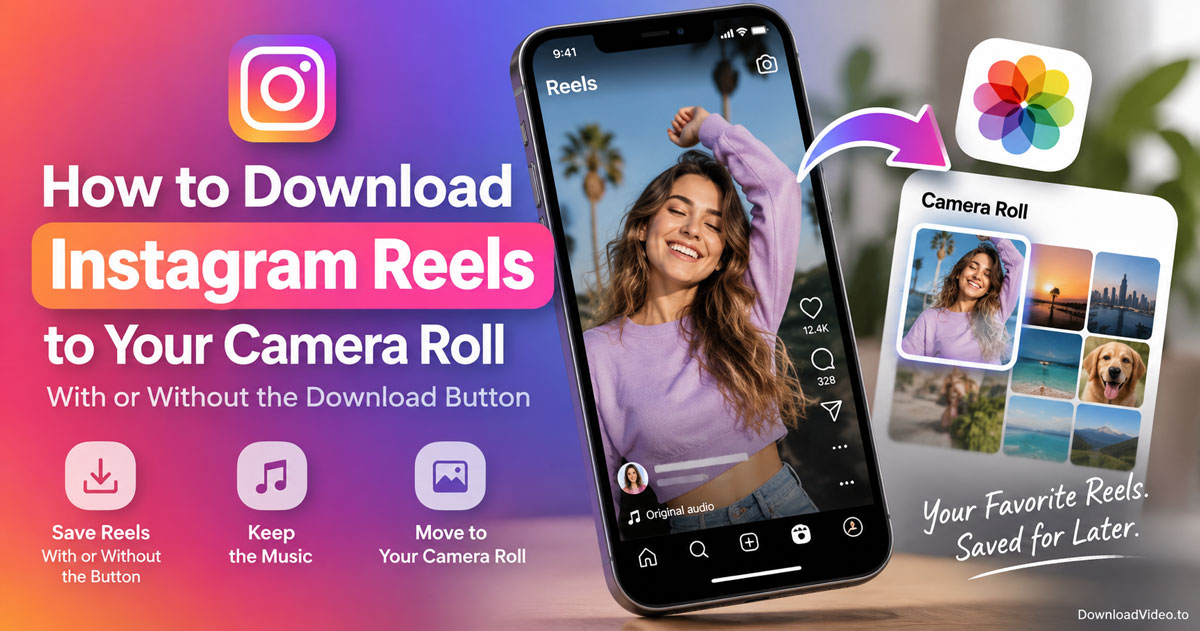
Download Instagram Reels with or without the download button, move them to your camera roll, and keep the music on your own Reels.
The tool is free and needs no account, runs over HTTPS and stores nothing. DownloadVideo.to is not affiliated with Facebook or Meta Platforms, Inc. Download only content you own or have permission to use. Read the Privacy Policy and Terms of Service. Updated September 2026: tool tested and working.